
Pocket Crayon

Coloring app for ages 2–7 · iPad & iPhone

It's okay to color outside the lines.

7 coloring books · 143 pages

AND GROWING

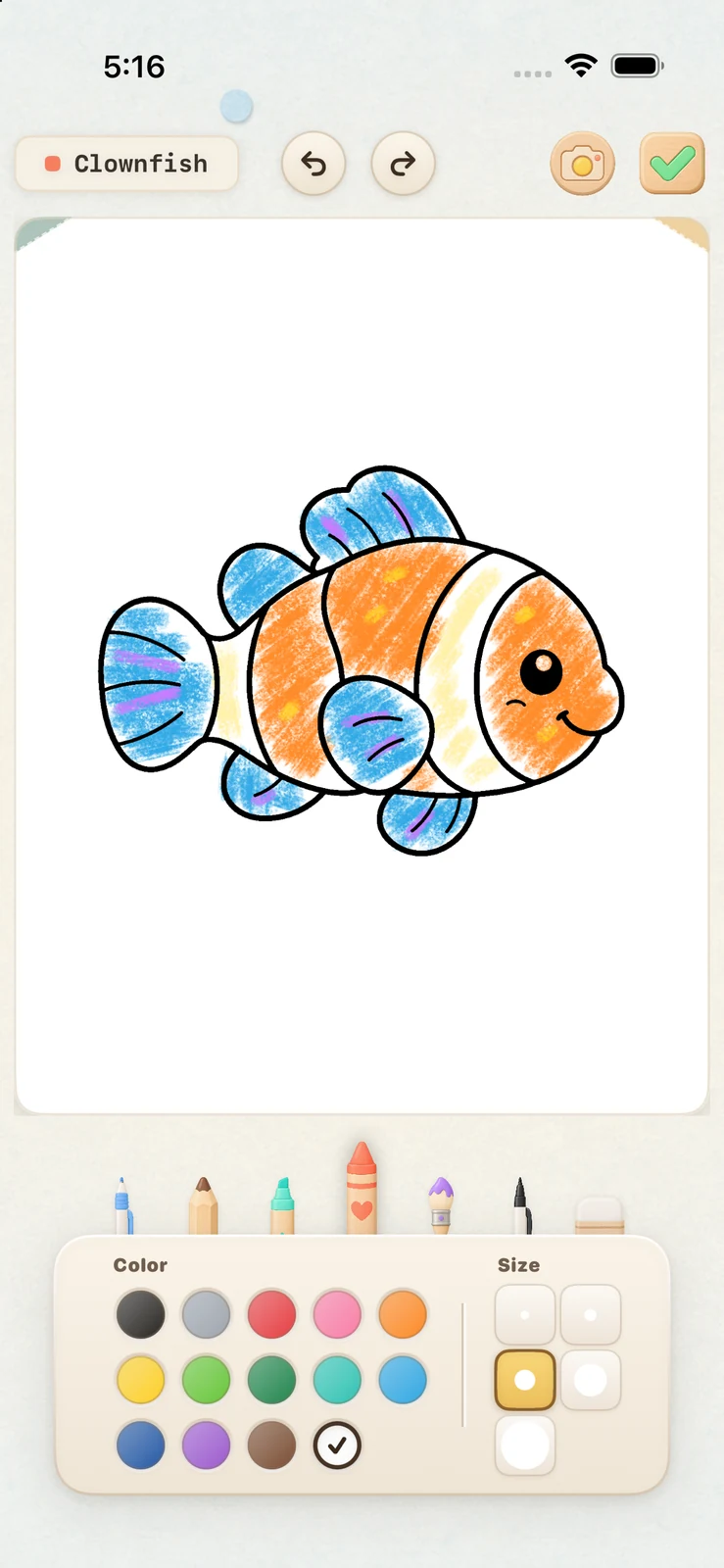
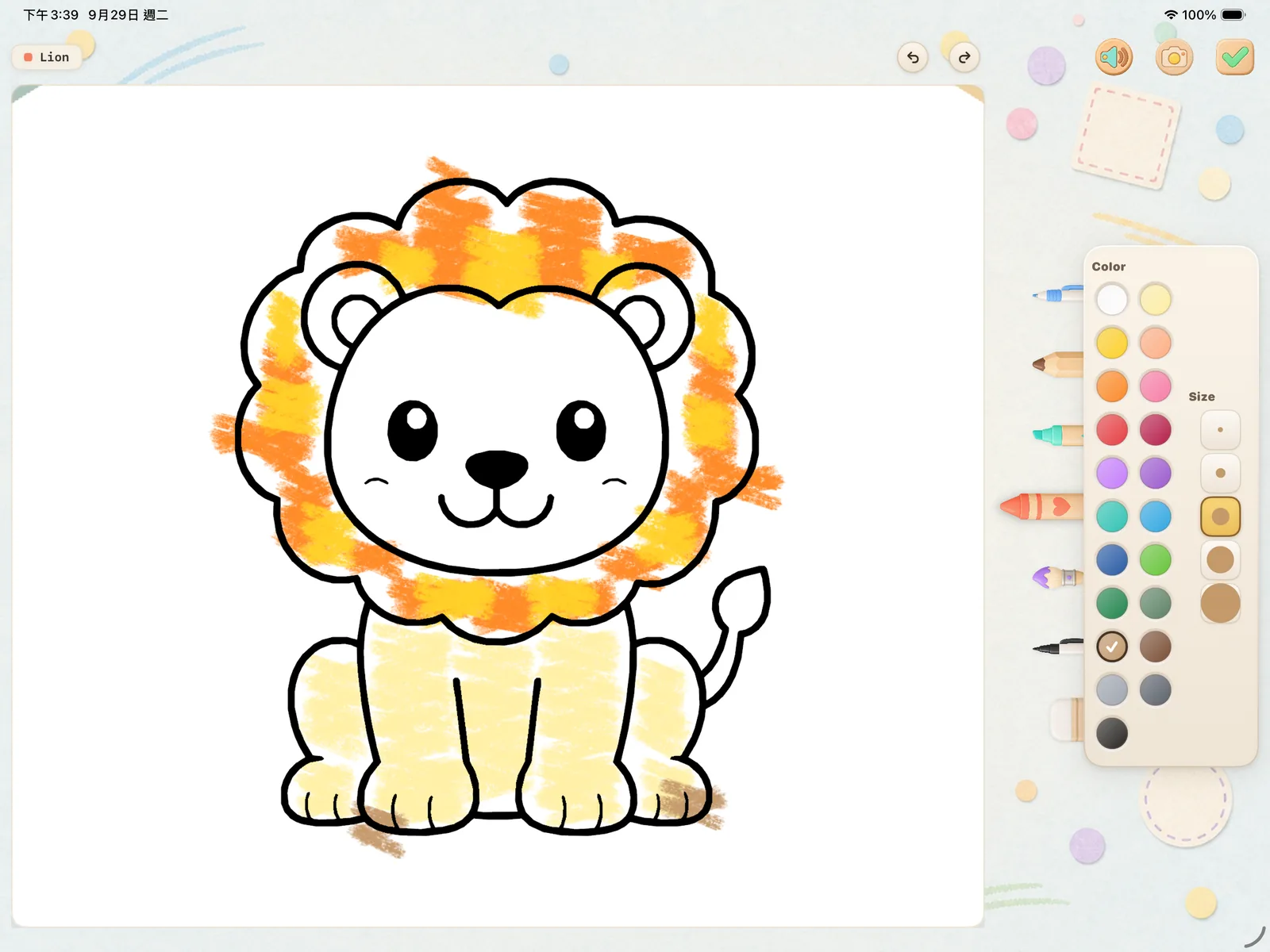
Like on paper, color isn't cut off at the outline. Kids can scribble freely or practice staying inside the lines, at their own pace.

Ages 2–7No adsiPad & iPhone
Download Pocket Crayon on the App Store
A page colored past the lines on iPad
Coloring canvas on iPhone

What will they color today?

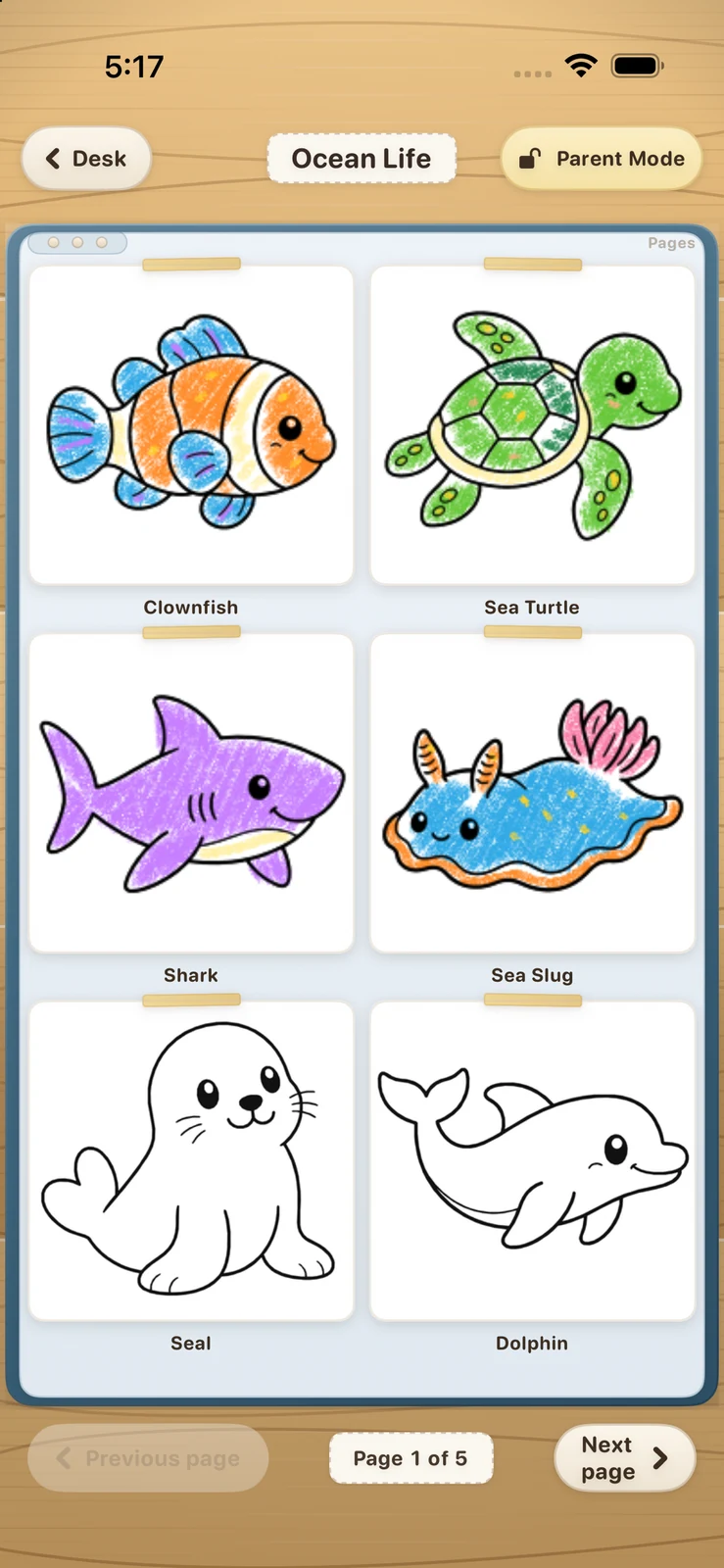
7 books · 143 pages · more pages on the way
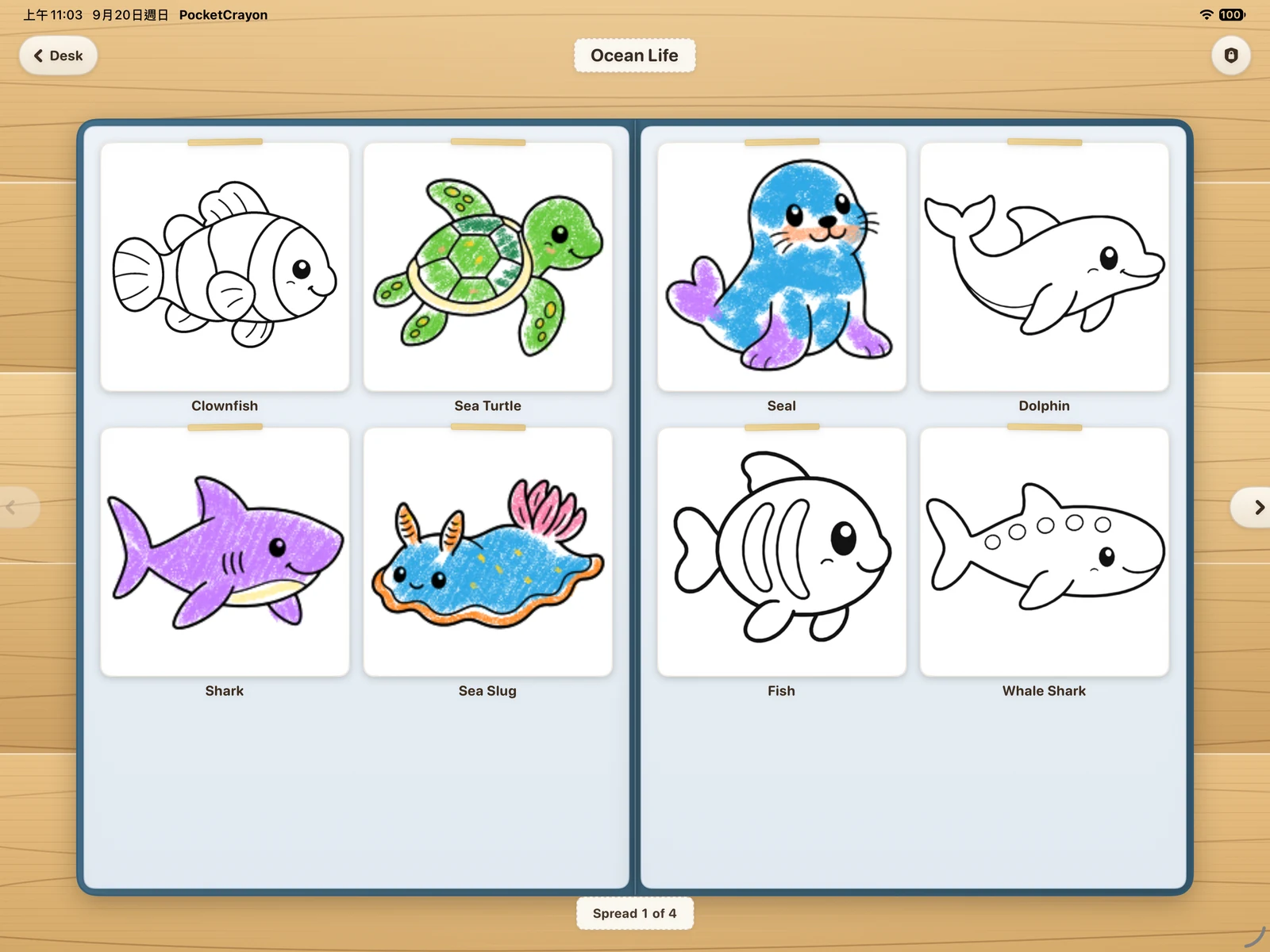
Ocean Life open as a two-page spread on iPad
Ocean Life, open on iPad

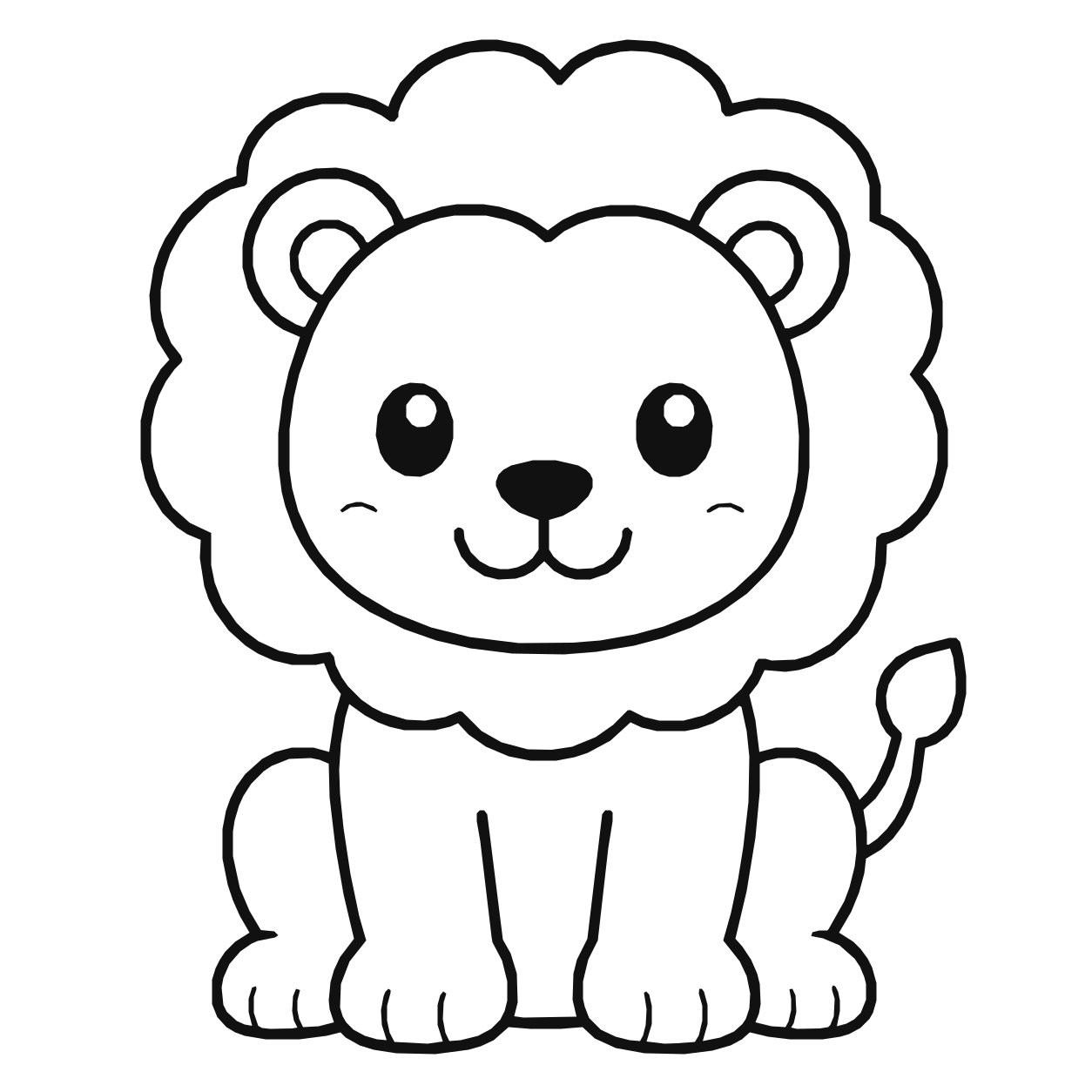
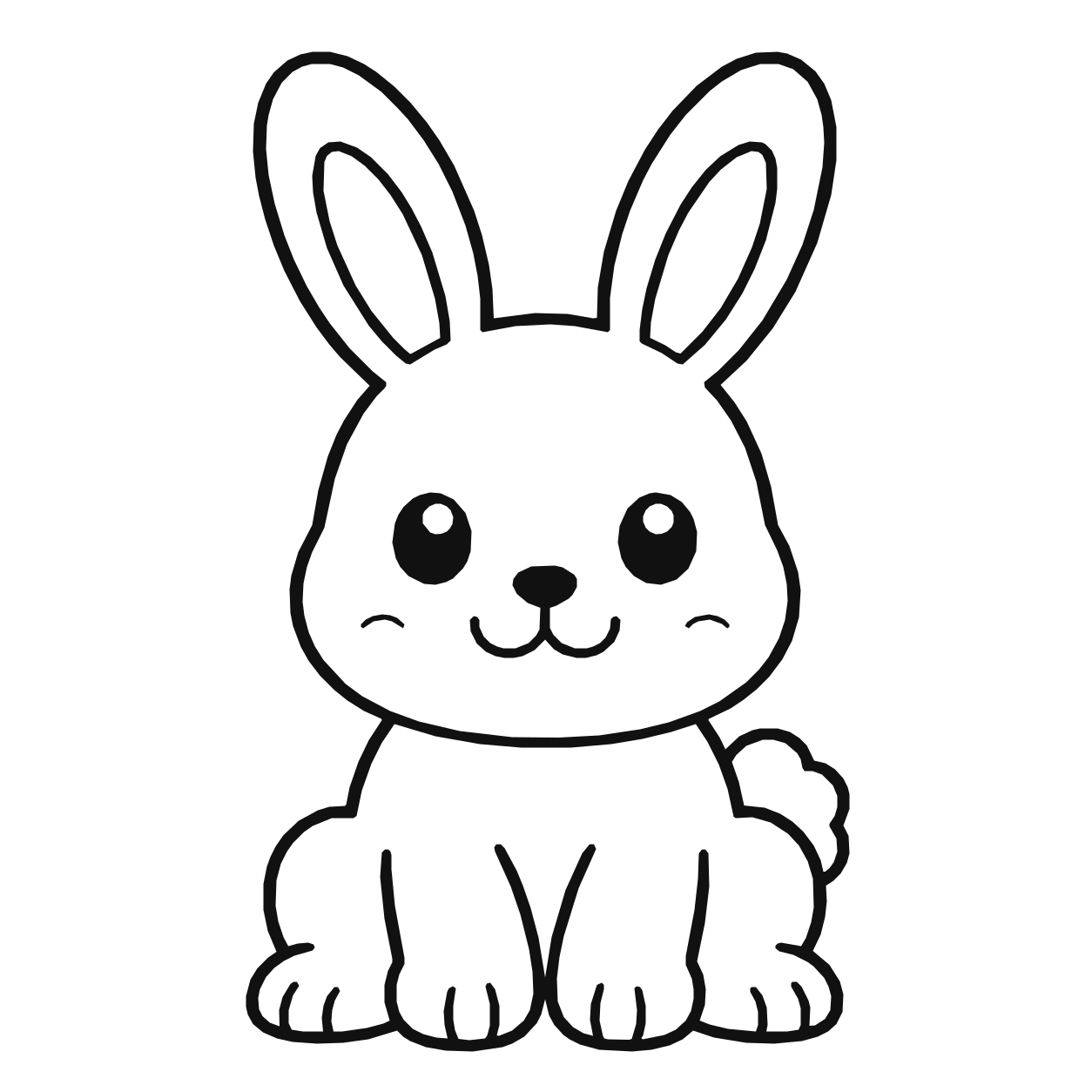
Animals

17 pages

Animals — lionAnimals — rabbit

Ocean Life

28 pages

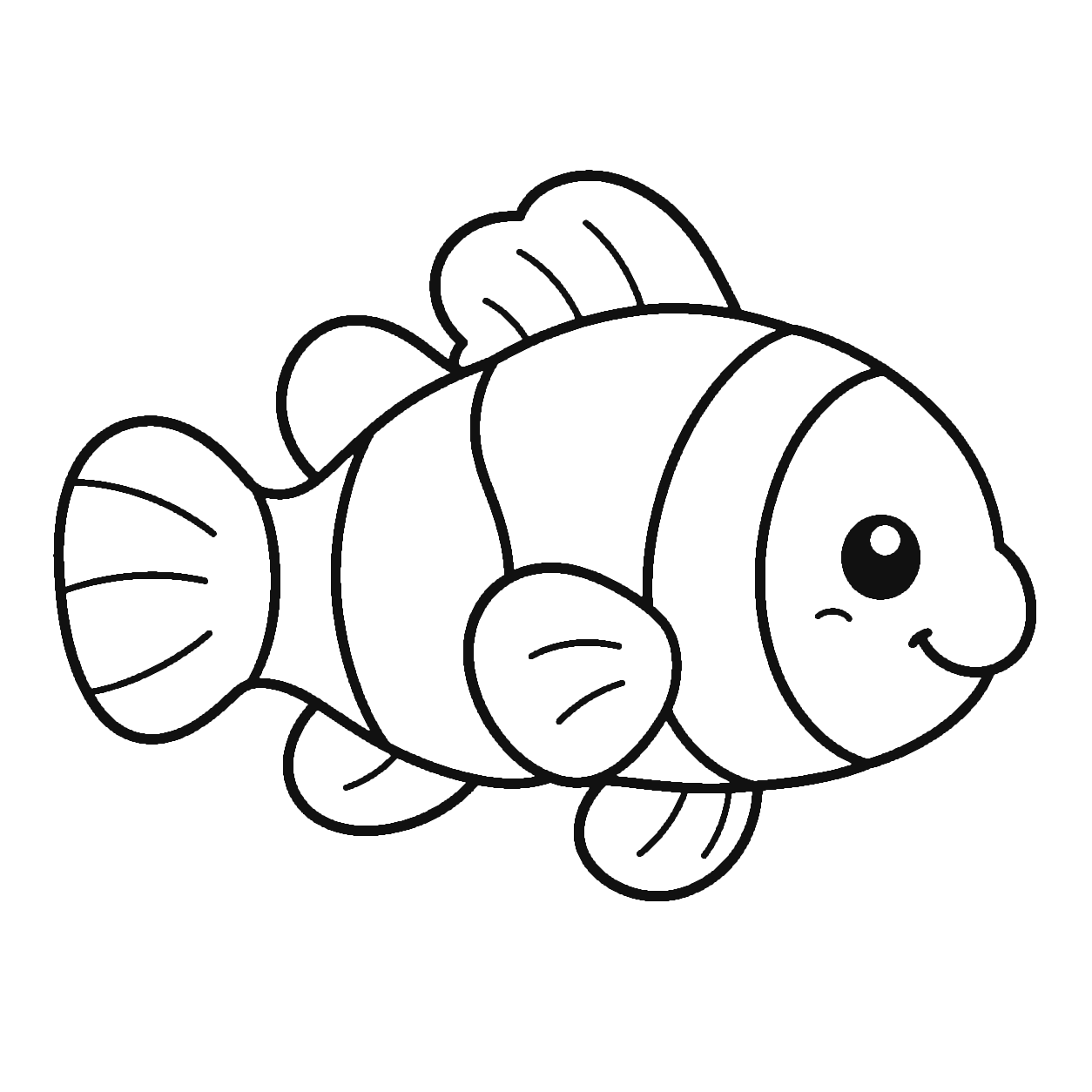
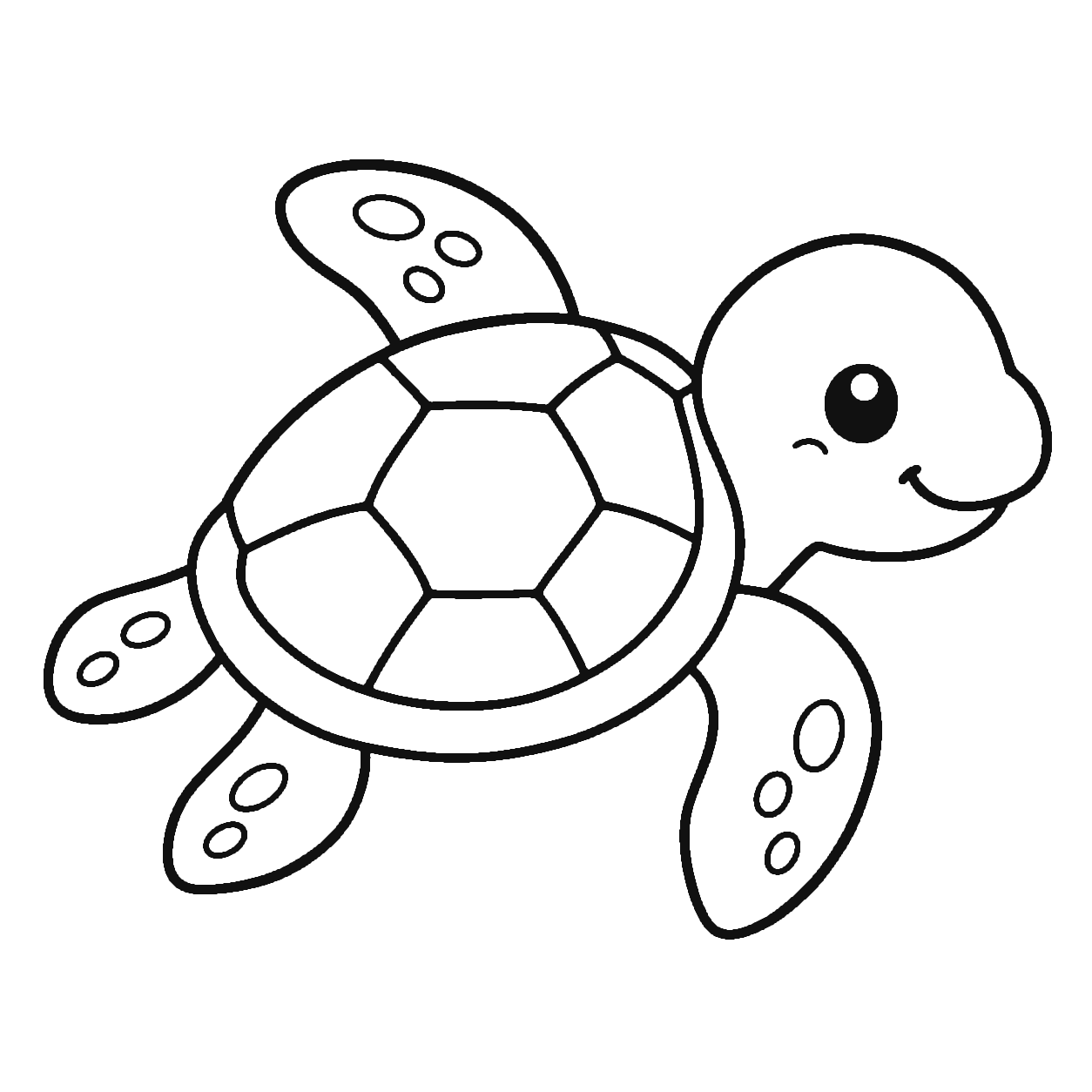
Ocean Life — clownfishOcean Life — sea turtle

Dinosaurs

17 pages

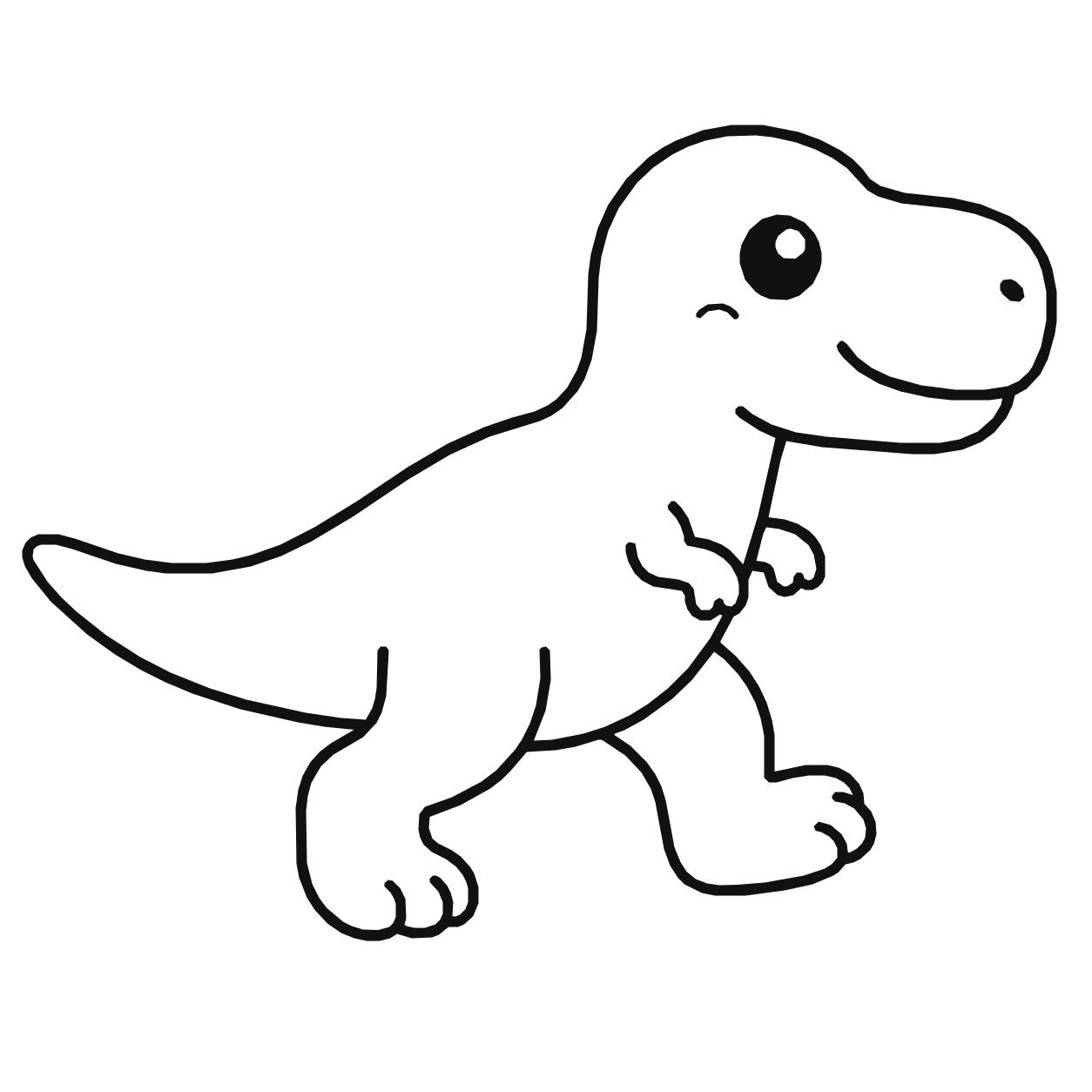
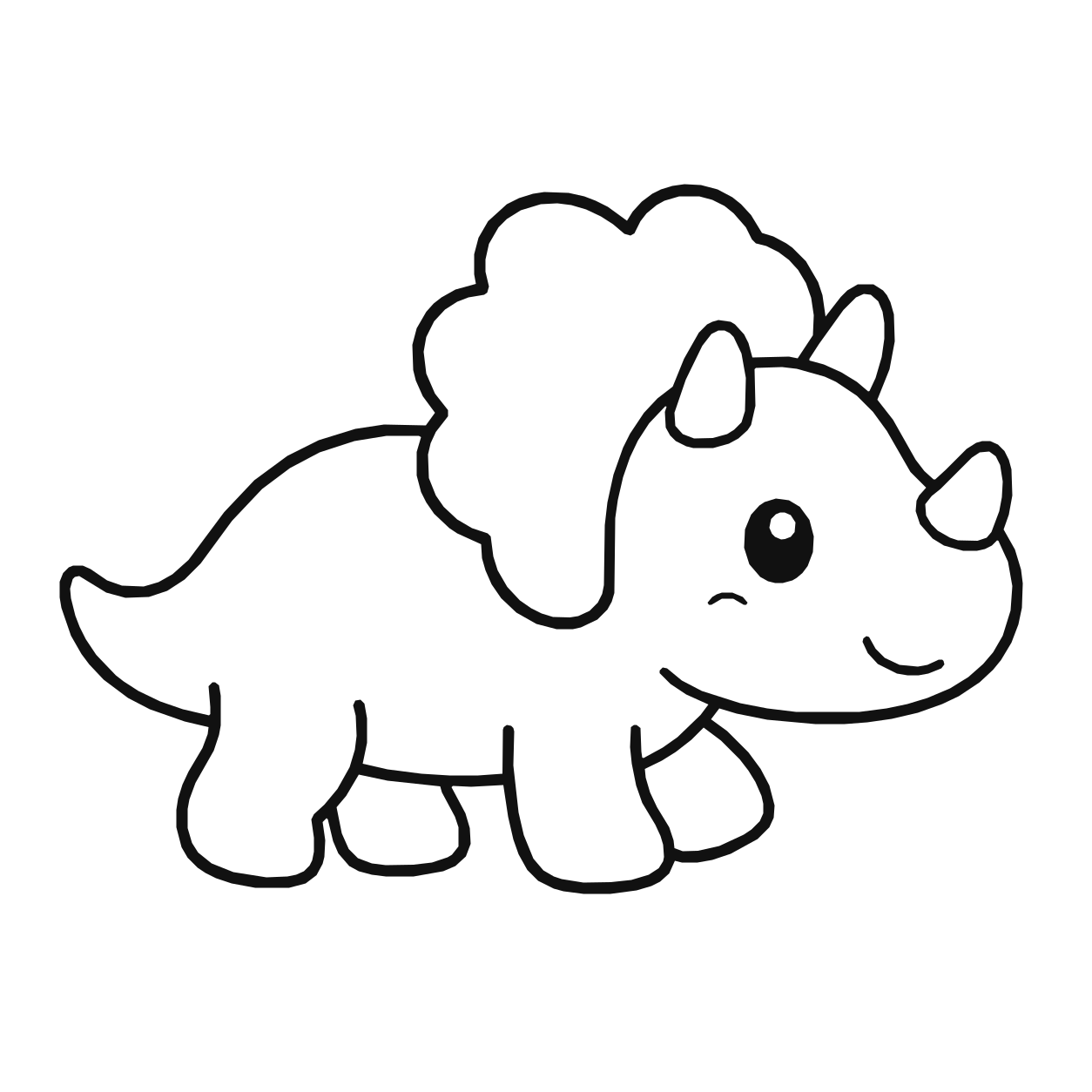
Dinosaurs — T. rexDinosaurs — triceratops

Fairy Tales

23 pages

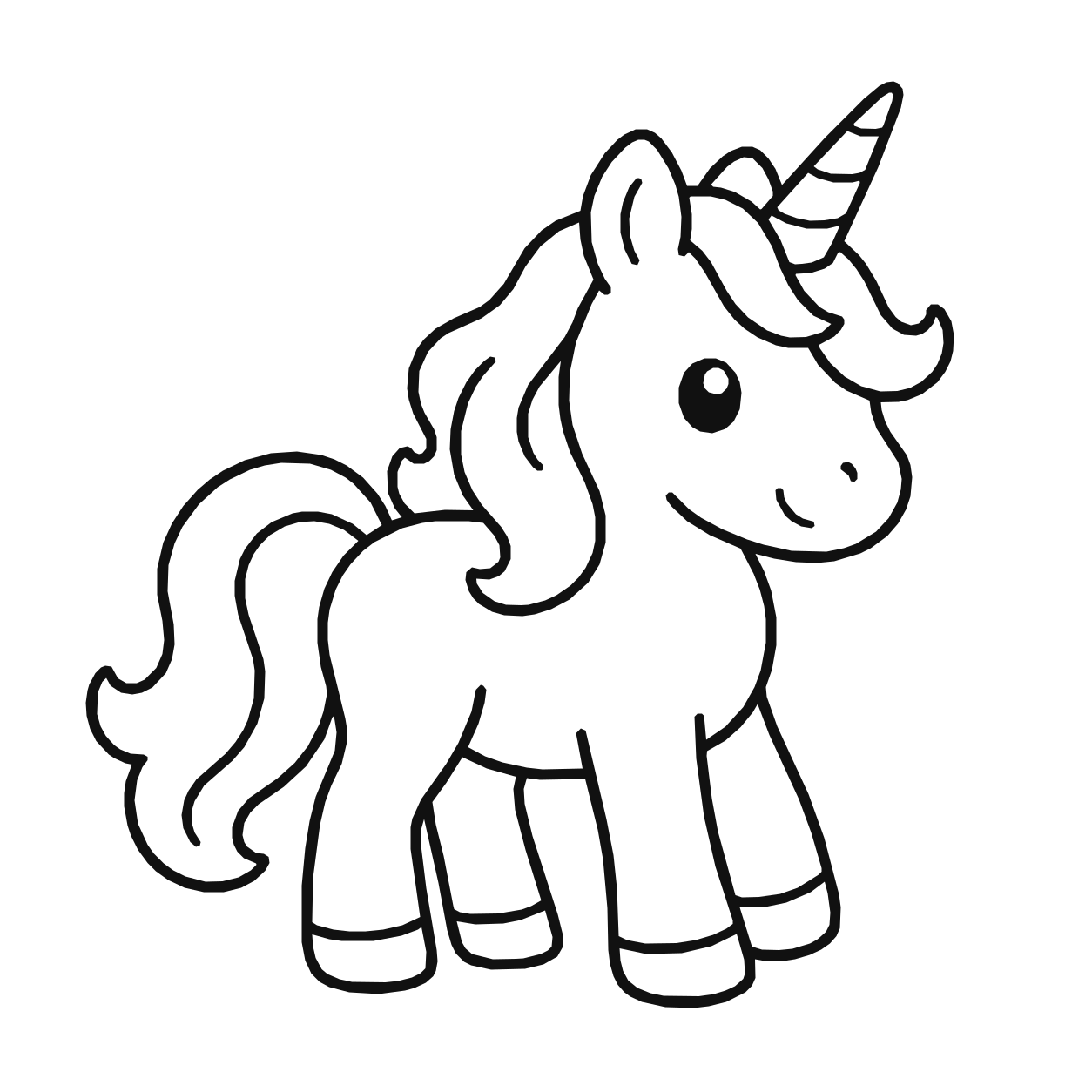
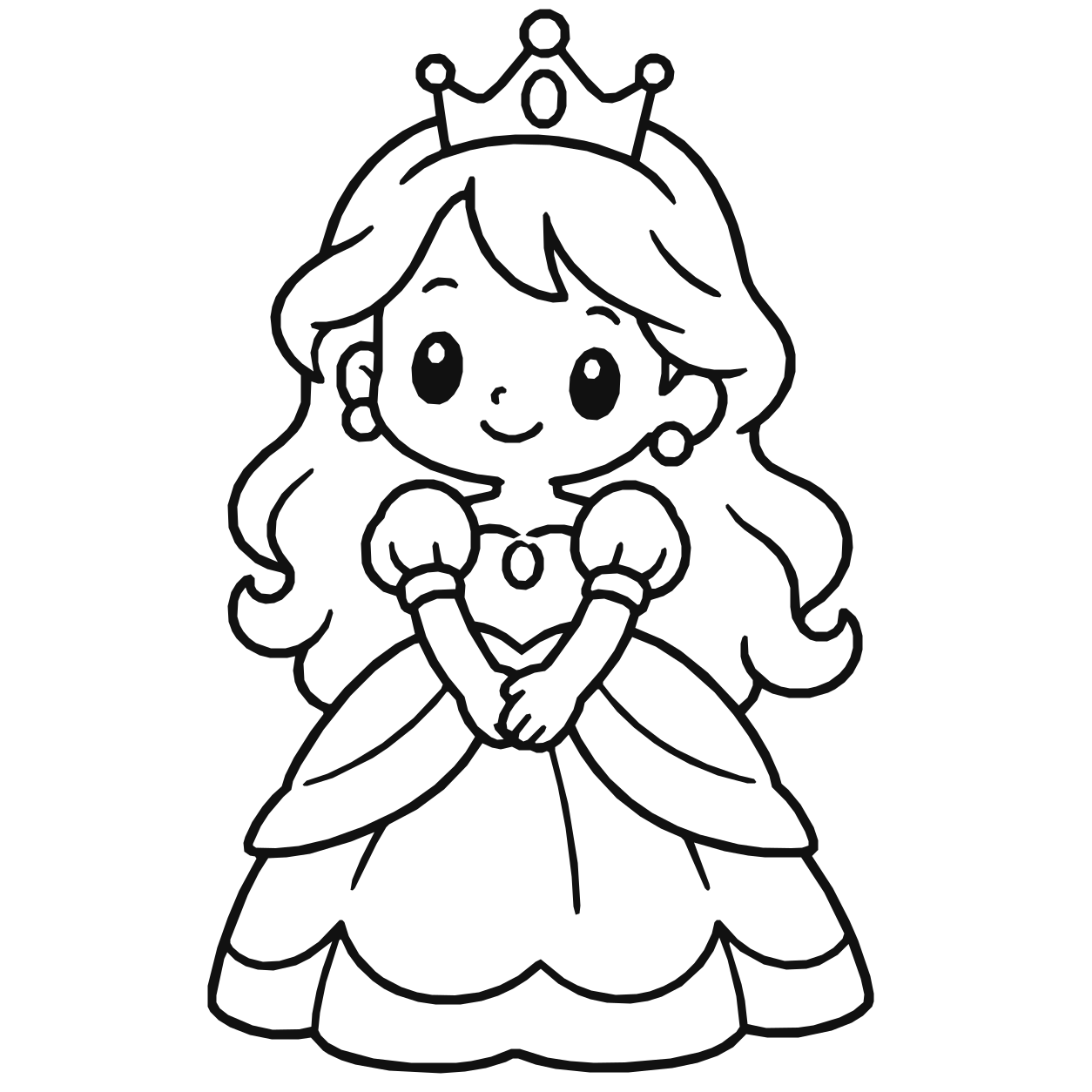
Fairy Tales — unicornFairy Tales — princess

Food

20 pages

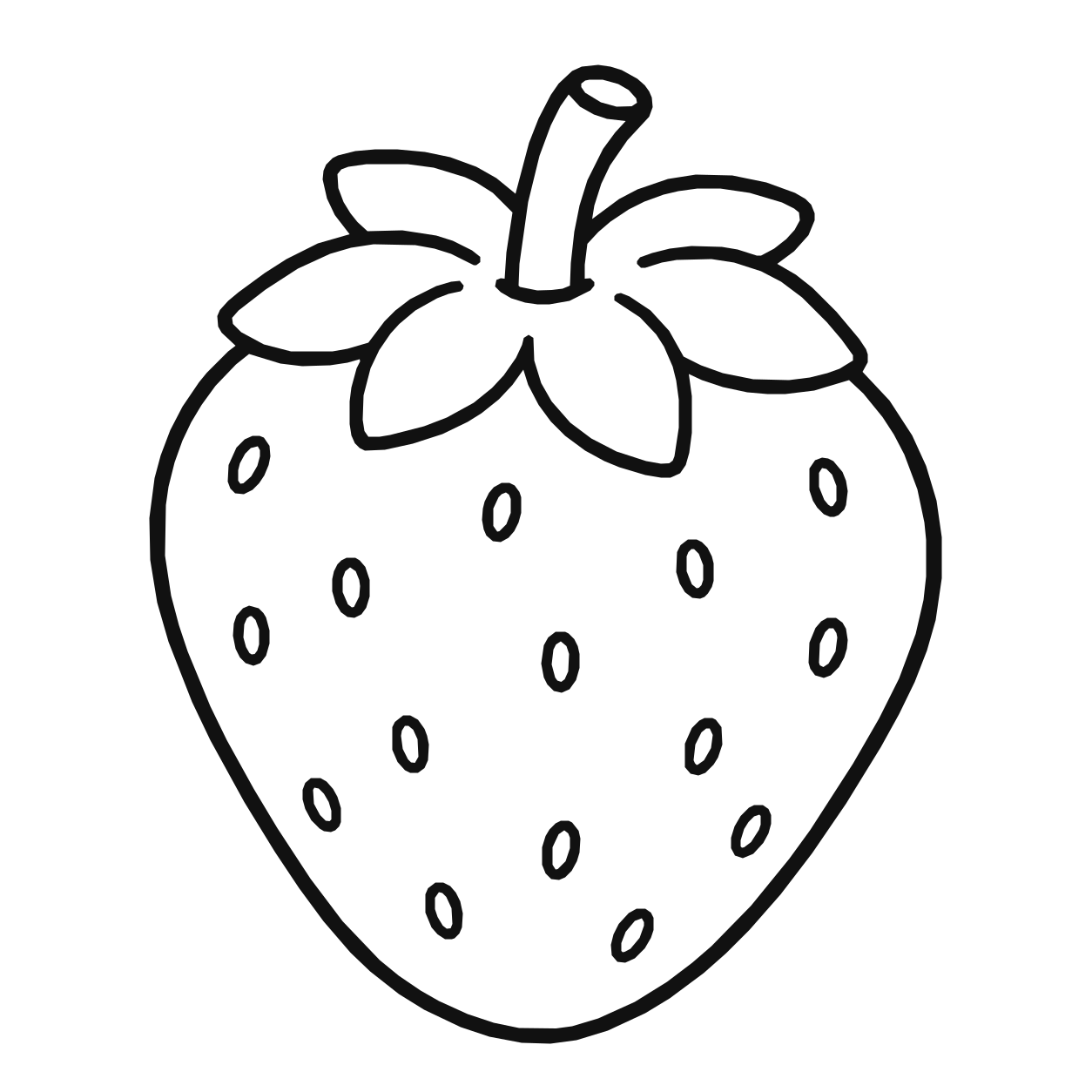
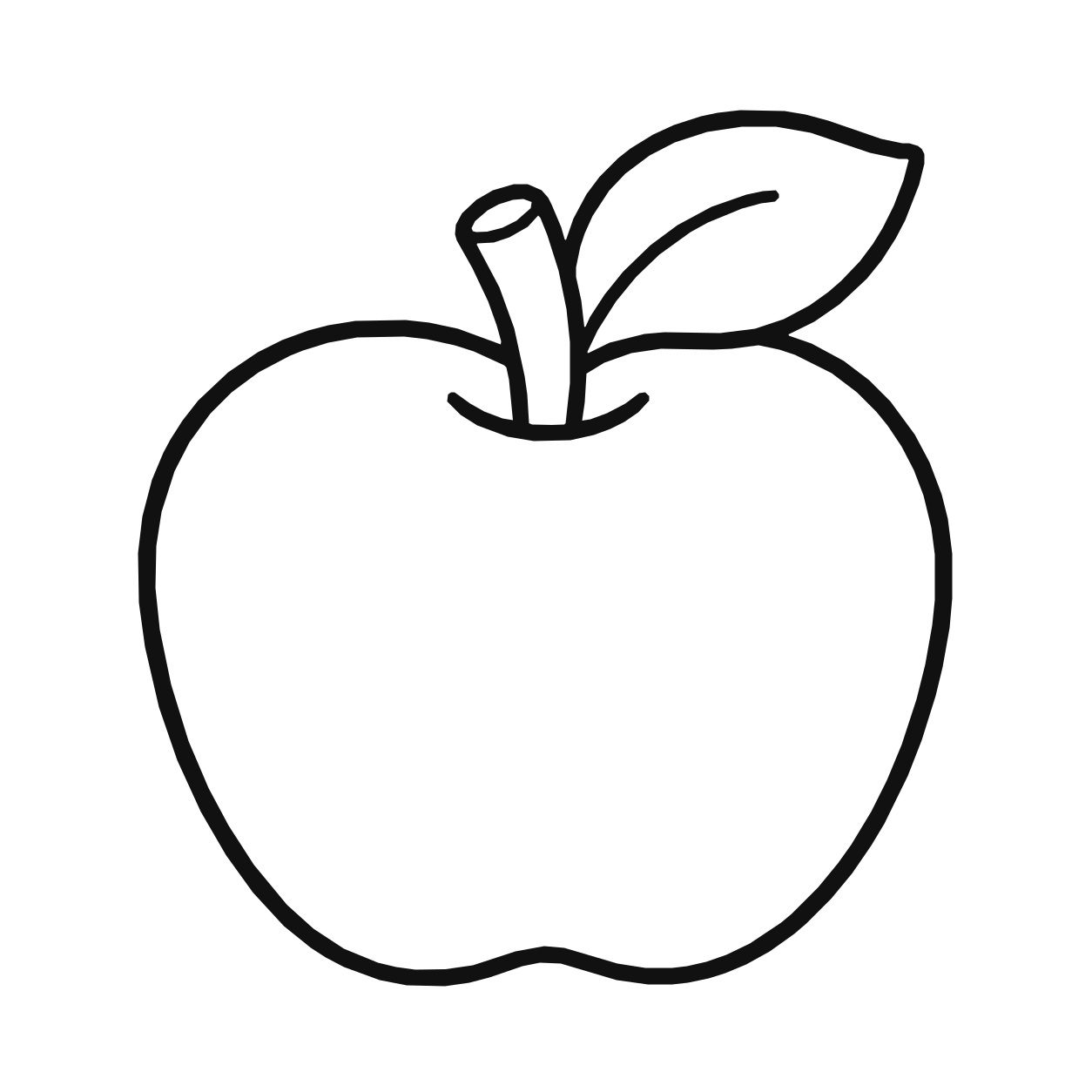
Food — strawberryFood — apple

Jobs

18 pages

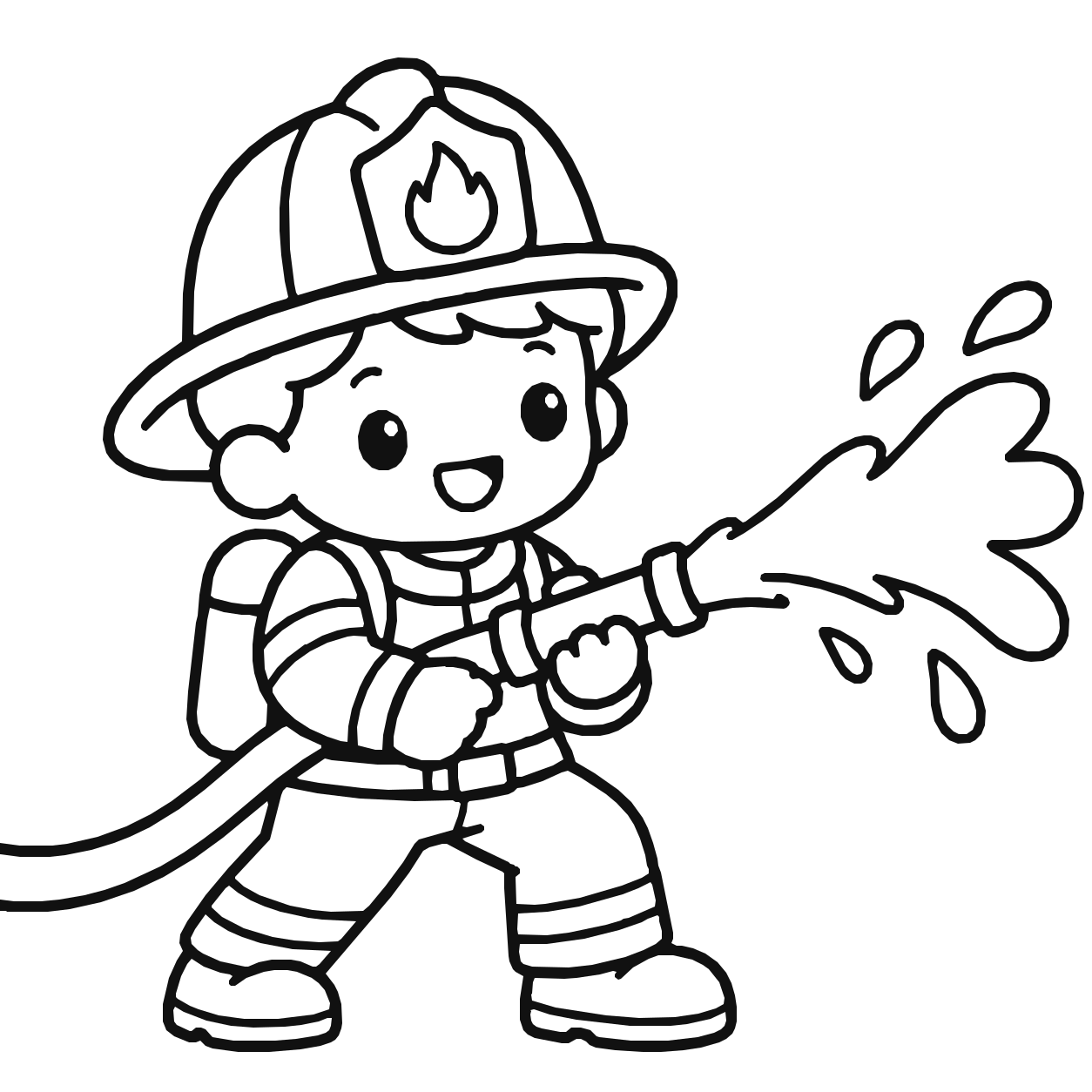
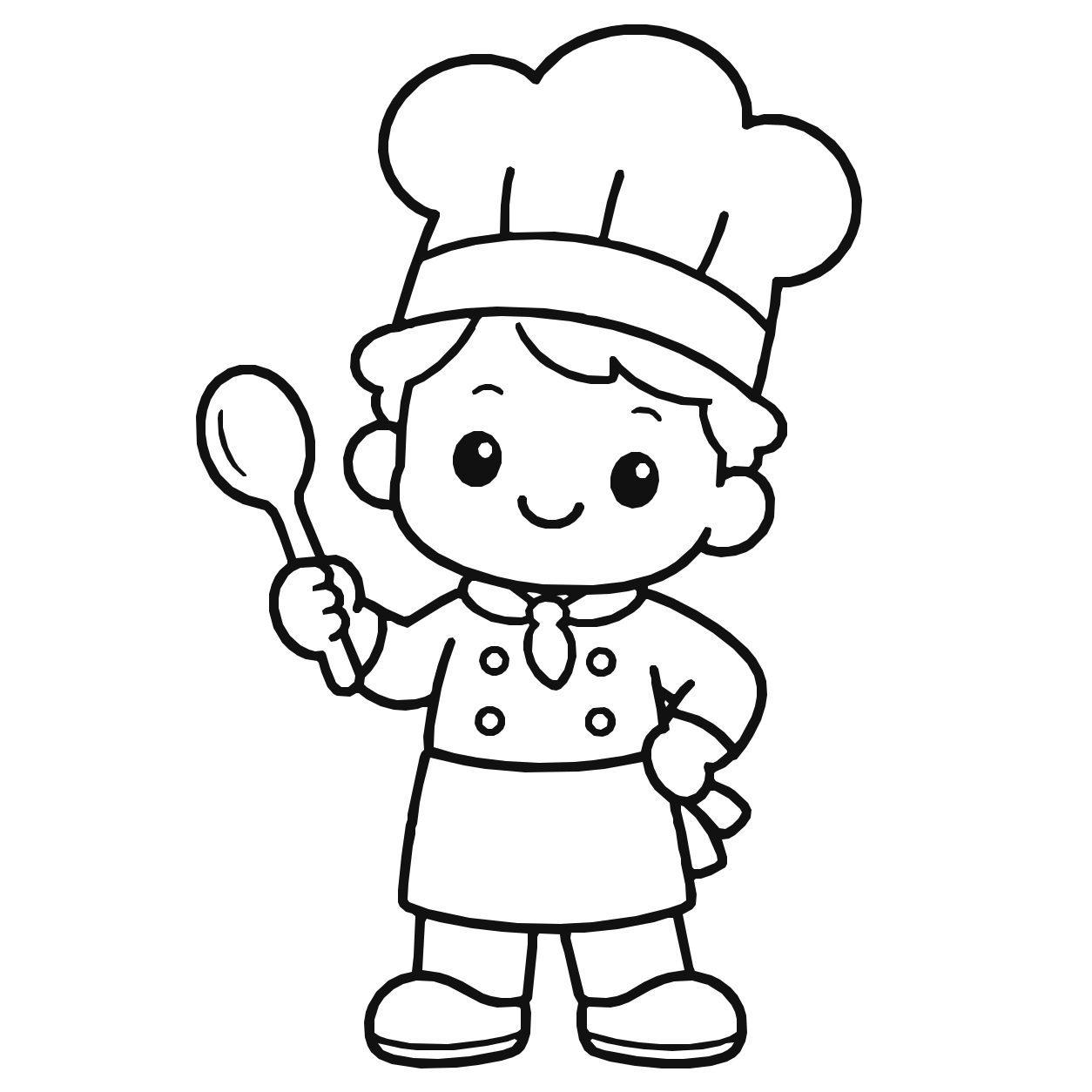
Jobs — firefighterJobs — chef

Transportation

20 pages

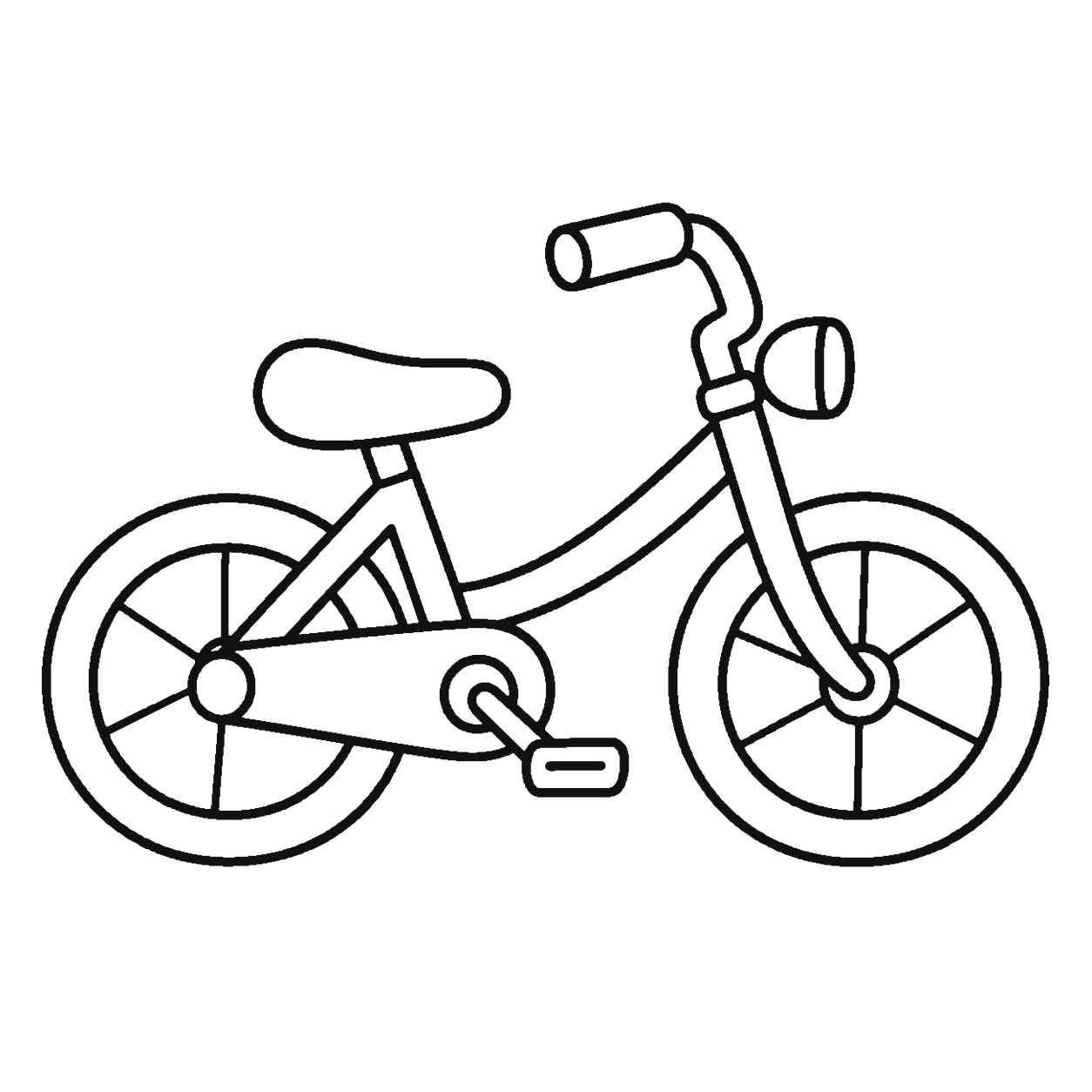
Transportation — trainTransportation — bicycle

Color inside the lines.
Or way outside them.

On paper, little hands go past the lines all the time. Pocket Crayon doesn't trap color inside the outline. When kids want to stay inside the lines, it's up to their own hands, just like with a paper coloring book.
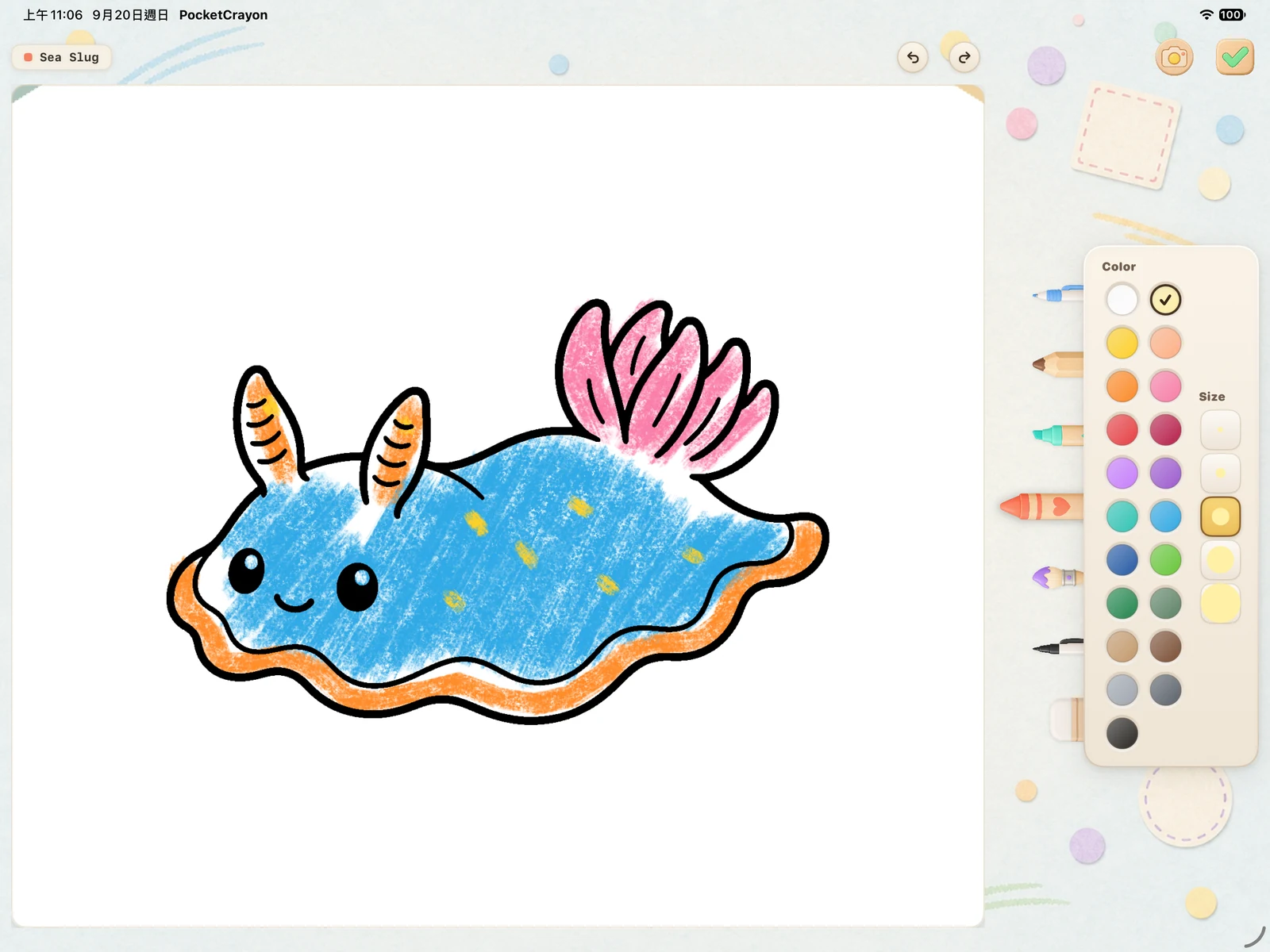
Coloring canvas and drawing tools on iPad

Scribble freely

Color doesn't snap to the outline or get clipped, and the line art always stays on top.

Practice staying inside the lines

Color that goes past the outline isn't erased or fixed for them. Staying inside is up to their own hands, one stroke at a time.

No crayons to clean up

No crayons rolling off the table and no crayon marks left behind. Made a mistake? Use the eraser.

Crayon, marker, watercolor & more. 21 colors on iPad, 14 on iPhone.

Can't find the right page?
Make your own.

Parents can turn a photo, a coloring sheet or a worksheet into a coloring page and keep it in a book of their own.
  1. Pick a photo or file
  2. Add it to a book
  3. Hand it over
  • Converted on the device
  • PDFs import the first page
  • Done in Parent Mode
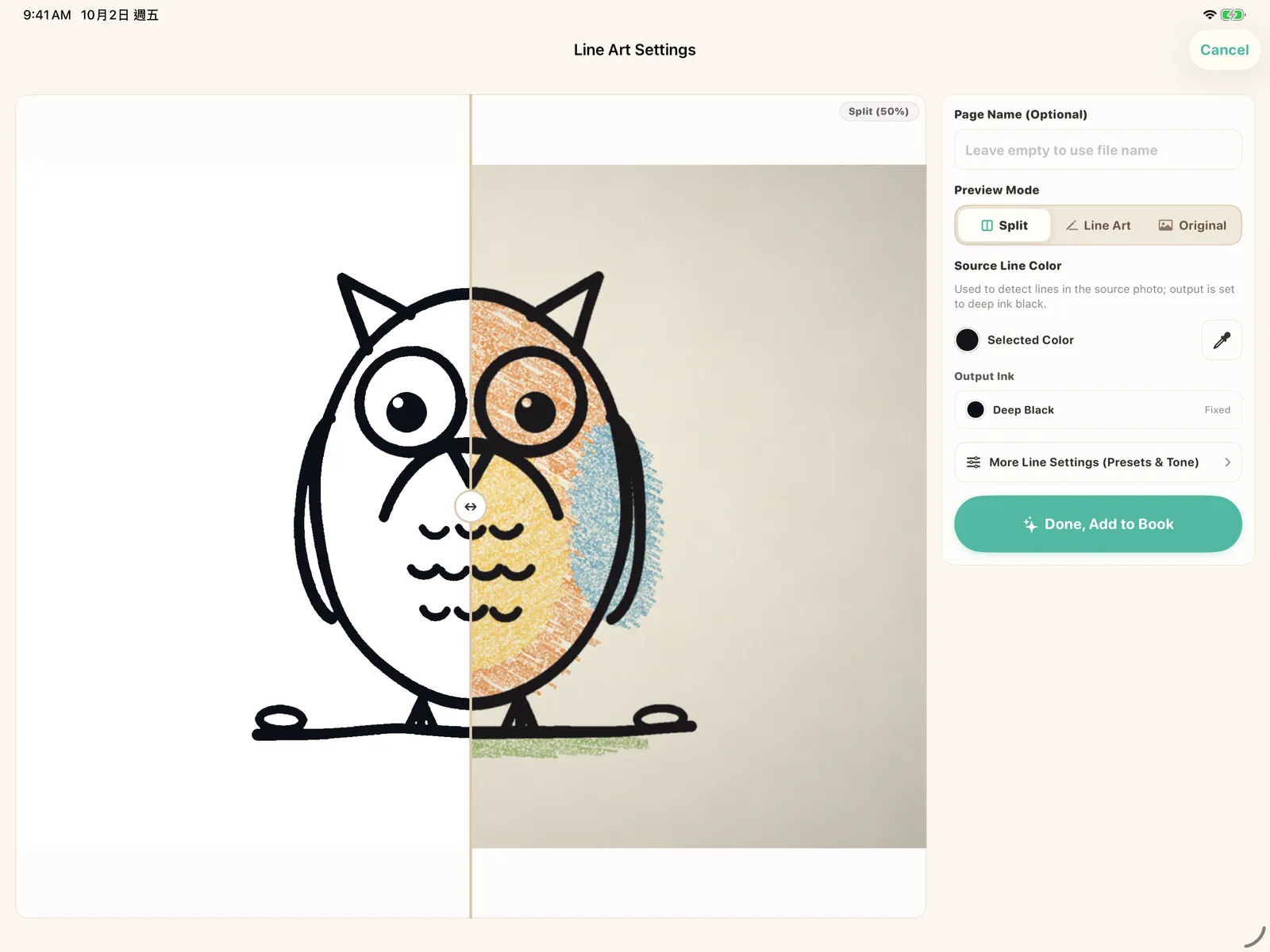
Import preview on iPad: a sample owl drawing, shown half as black line art and half as the source image
A sample image, previewed as a coloring page
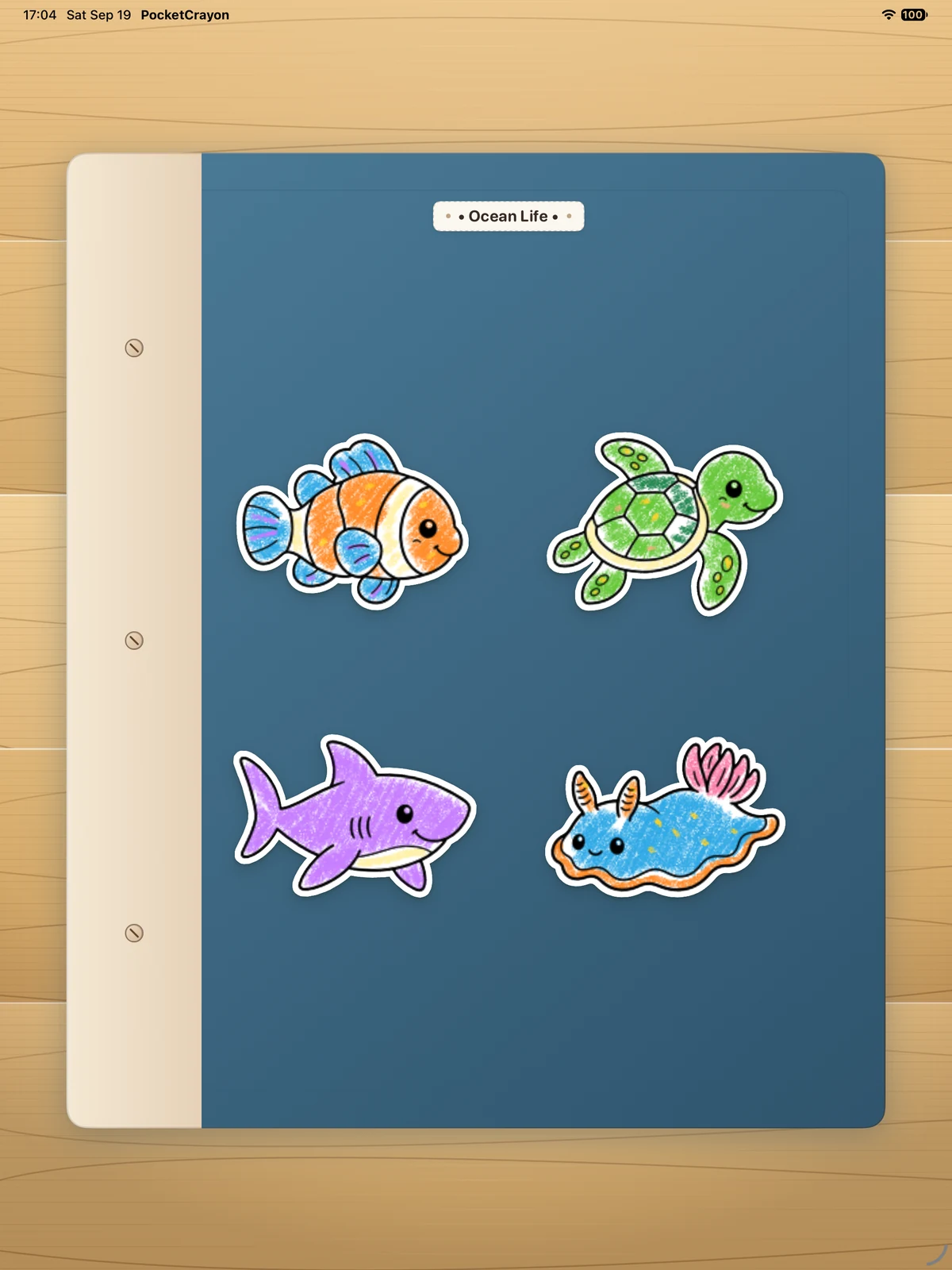
Book cover on iPad
Coloring book pages on iPhone

Made for the waiting moments.

At a restaurant, on a trip or in a waiting room, hand over a coloring page instead of a box of crayons.

  • At a restaurant
  • On a trip
  • In a waiting room

Save finished pictures to Photos — parents can turn it off. They can pick up where they left off in My Gallery.

For parents

On-device processing. Parents choose whether to sync.

Imports and drawings are processed on your device. Turn on iCloud sync if you want to keep coloring across your own iPad and iPhone.

  • Imports, subscription and settings are in Parent Mode.
  • Parent Mode opens after a math question.
  • Pocket Crayon doesn't take photos on its own.
  • No ads.

Download Pocket Crayon and start drawing.

Get it now on the App Store and scribble freely on your iPhone or iPad.

For iPad & iPhone · iPadOS 18 / iOS 18 or later

Download Pocket Crayon on the App Store